countervia.

COUNTERVIA / PLANS & PRICING

Choose your Countervia plan.

Three separate products. Each includes Windows software and connected Android apps. Buy the plan your location needs.

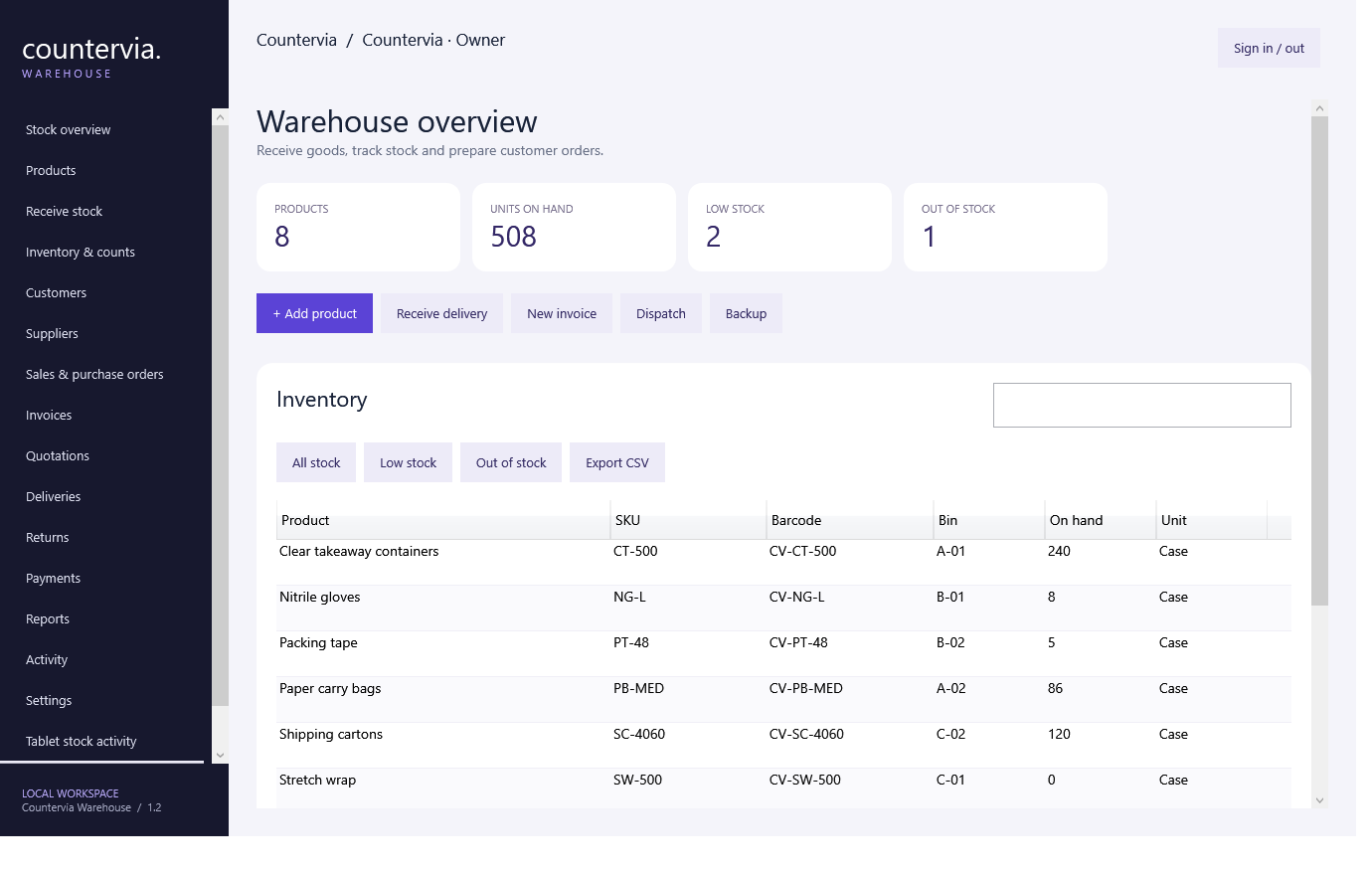
Countervia Warehouse application

Countervia Warehouse

Inventory, receiving and customer orders.

$49/ location / month

Plus $199 one-time setup & training

$248 due at signup, then $49/month

Checking checkout availability…

See features & app screens ↗
  • One Windows warehouse hub
  • Up to three Android inventory tablets
  • Stock receiving and physical counts
  • Sales and purchase orders
  • Dispatch, receiving and movement history
Countervia POS application

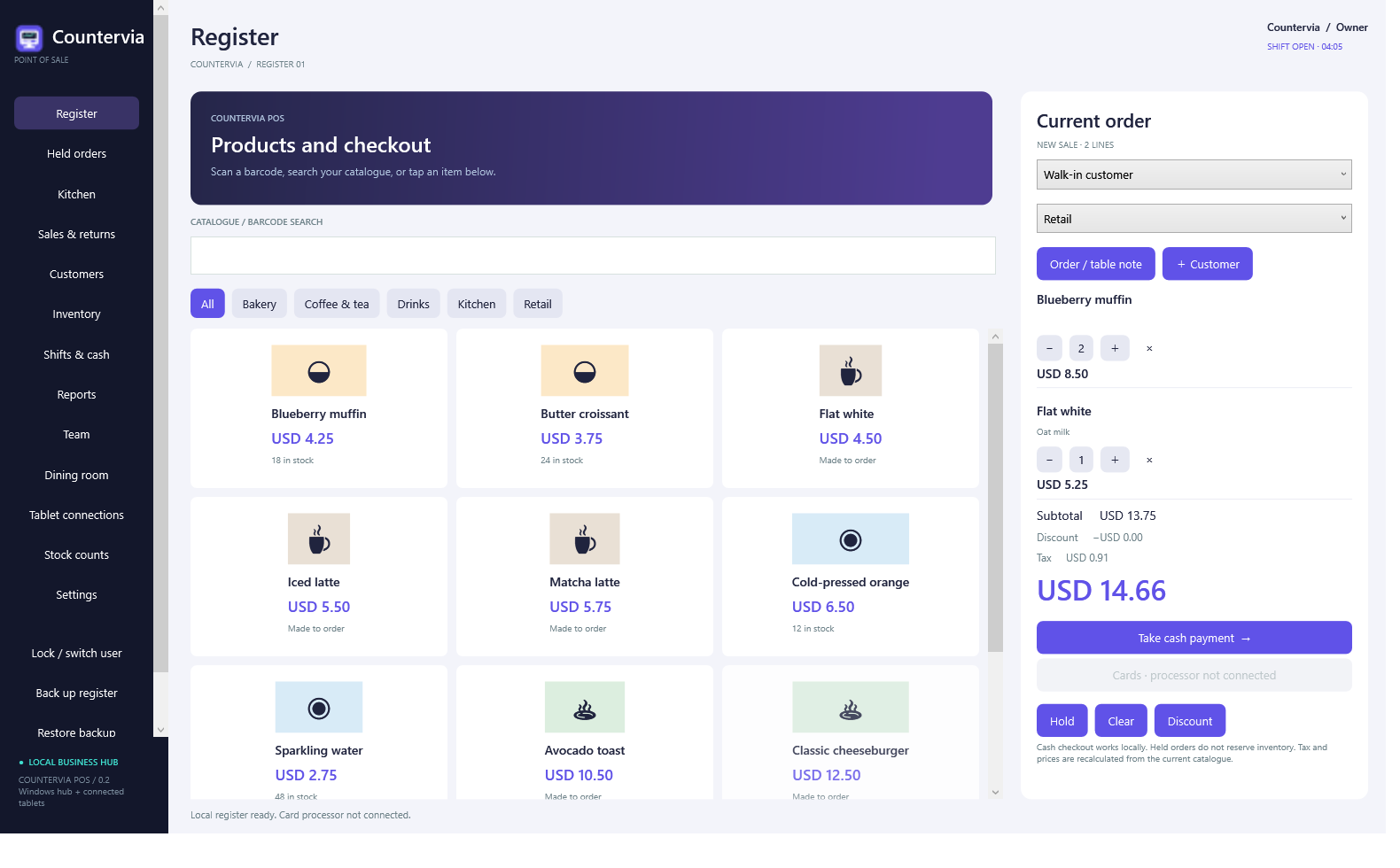
Countervia POS

Cash checkout, products and daily operations.

$79/ location / month

Plus $299 one-time setup & training

$378 due at signup, then $79/month

Checking checkout availability…

See features & app screens ↗
  • One Windows register
  • Up to three Android cash registers
  • Cash payments and receipts
  • Products, stock and customer records
  • Shifts, cash reconciliation and reports
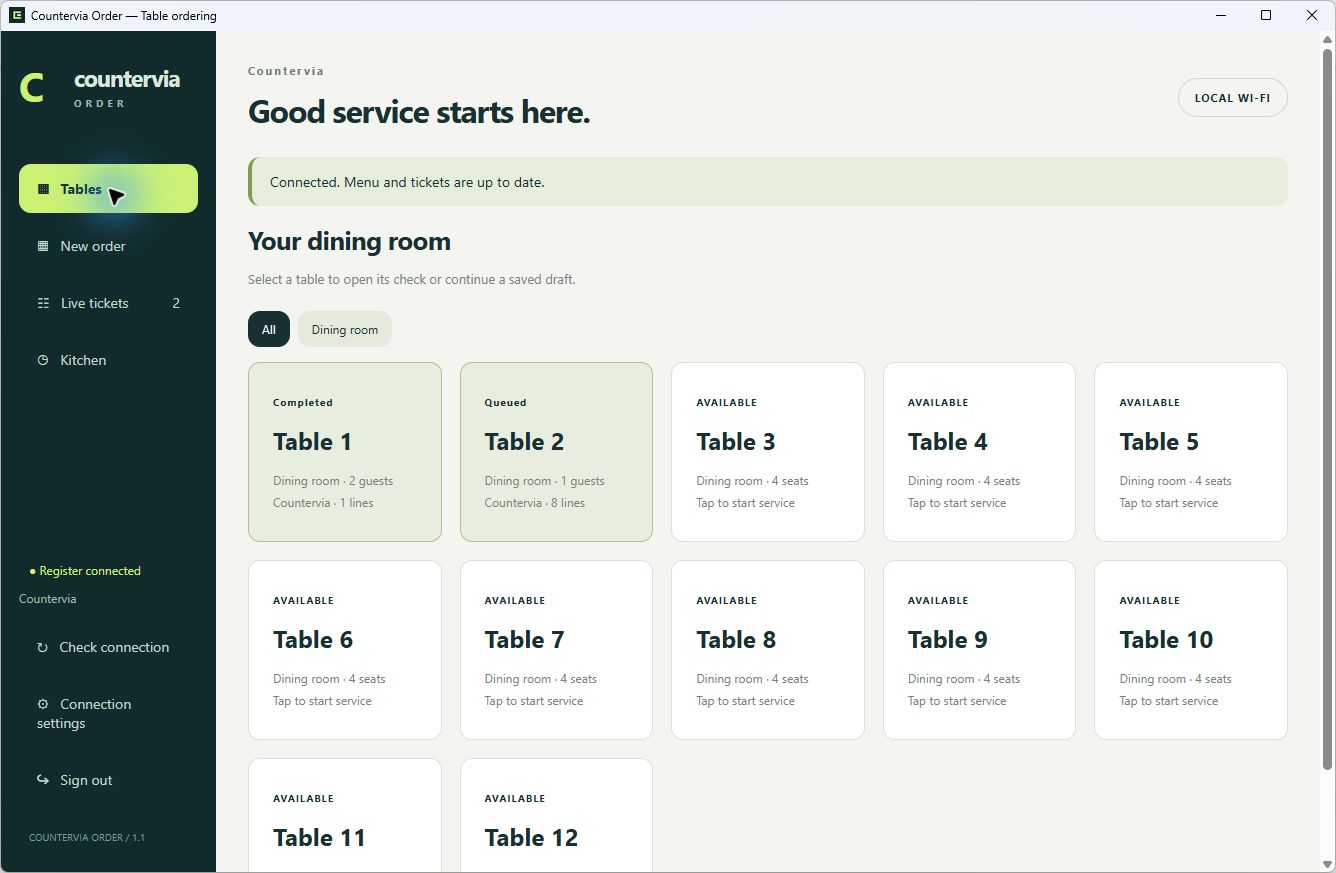
Countervia Order application

Countervia Order

Restaurant tables, seats and live kitchen tickets.

$79/ location / month

Plus $299 one-time setup & training

$378 due at signup, then $79/month

Checking checkout availability…

See features & app screens ↗
  • Its own Windows restaurant hub
  • Up to three Android ordering/kitchen tablets
  • Tables, seats and ordering rounds
  • Live kitchen tickets and status updates
  • Menu management and cash checkout

Prices in USD, before applicable taxes. Setup is charged once. Each plan is purchased separately; no other Countervia subscription is required. POS and Order support cash payments; card processing is not connected.

INCLUDED WITH EVERY PLAN

Software, setup and a clear next step.

  • Windows installer and Android download after confirmed payment
  • Setup and training for your location
  • Software updates during your subscription
  • A local business database and backup tools

From purchase to your first working day.

01

Choose your product

Select Warehouse, POS or Order for the workflow you need.

02

Pay and download

Complete secure Stripe checkout and return for your Windows and Android downloads.

03

Connect your location

Install the Windows hub, connect Android devices and arrange setup and training.

Questions before you buy.

Do I need to purchase more than one product?

No. Warehouse, POS and Order each work with their own Windows hub and business workspace. Order includes its own restaurant hub. Purchase another product only if you need that separate workflow.

Can I run the Android app without a Windows computer?

Each Android app connects to its own running Windows hub. Keep that Windows computer on and connected to the same reachable private network as your tablets. Android does not host a standalone business database.

Are hardware and card processing included?

No. Hardware, payment-processing fees, custom integrations, data migration, additional tablets and additional locations are quoted separately. Card payment processing is not currently connected in POS or Order.

How do I download after payment?

Stripe returns you to Countervia after confirmation. Keep the same browser open to download the Windows installer and Android app for your purchased product.

What does setup and training cover?

Contact counterviapos@gmail.com after purchase to arrange your product setup and training. Existing data migration, hardware and custom integrations are quoted separately.

Can I confirm compatibility first?

Email counterviapos@gmail.com with your devices and business workflow before purchasing.