Receive and count
Record incoming stock and physical counts where the goods are.
COUNTERVIA WAREHOUSE / WINDOWS + ANDROID
Manage products, stock counts, customer orders and supplier purchases from Windows and connected Android tablets.
$49 / location / month
Plus $199 one-time setup and training. USD, before taxes.
Buy Countervia Warehouse →Windows and Android downloads after payment.
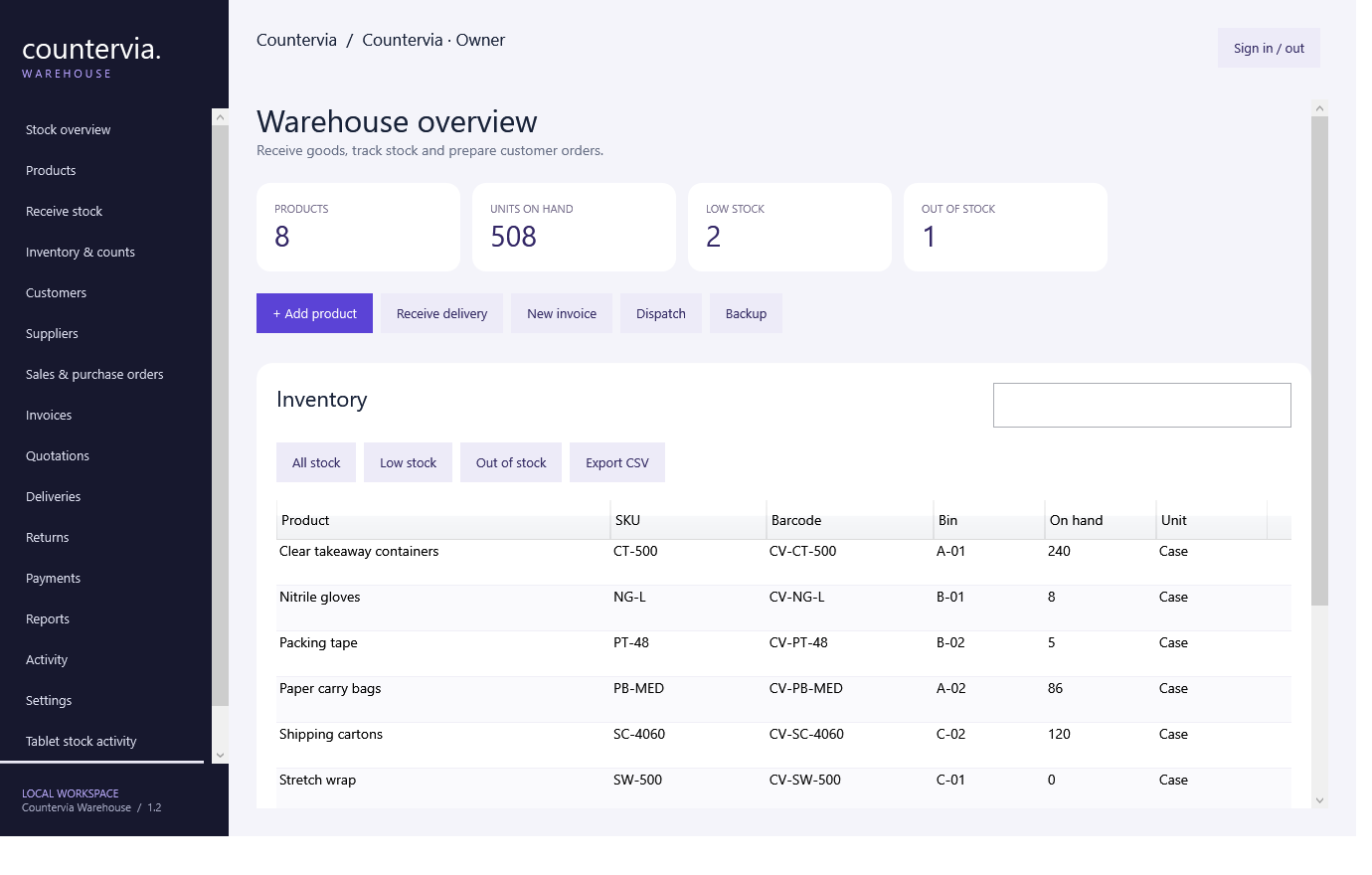
BUILT FOR YOUR WORKFLOW
Record incoming stock and physical counts where the goods are.
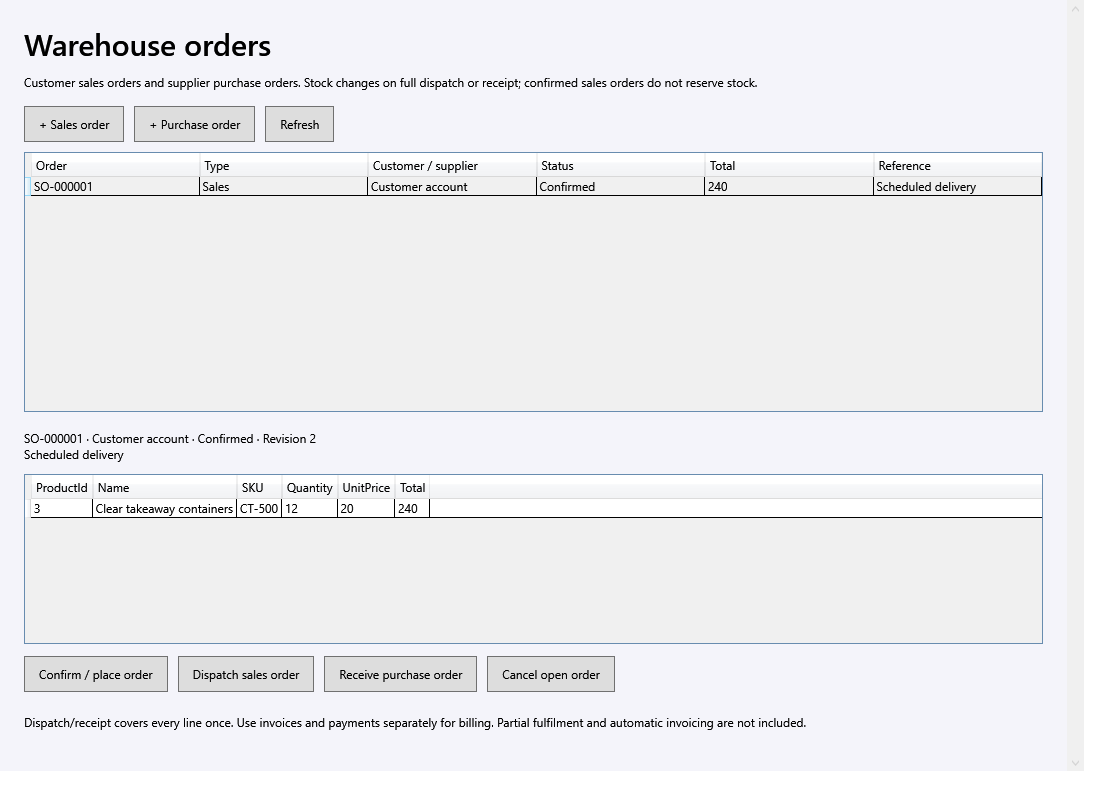
Keep customer and supplier orders with your inventory records.
Review stock movements and maintain local backups.
SEE THE SOFTWARE
YOUR WAREHOUSE PLAN
$49 / location / month
Plus $199 one-time setup and training.
$248 due at signup, then $49 per month. USD, before applicable taxes.
Software only. No hardware is included. Setup covers software setup and training.
Checking checkout availability…
Hardware, payment-processing fees, custom integrations, data migration, additional devices and locations are quoted separately.
Includes one Windows warehouse hub and up to three connected Android tablets. The Windows hub must stay on and tablets must reach it over your private local network. Orders support full dispatch and receipt; confirmed orders do not reserve stock. Billing is managed separately through invoices and payments.
Stripe confirms your purchase and returns you to Countervia. Download the Windows installer and Android app for this product, then contact counterviapos@gmail.com to arrange setup and training.
Your working database stays on your Windows hub. Connected tablets use your private network. When you enable cloud backups, encrypted snapshots are also stored privately on Countervia servers for recovery. Keep a separate local backup. Purchase verification, account sign-in and cloud backup require internet access.
Email counterviapos@gmail.com with your devices and workflow. We can confirm what is supported before you purchase.
SOFTWARE ONLY · ALL COUNTERVIA PLANS
Every Countervia purchase is a software subscription. Windows computers, Android tablets, TVs, monitors, media players, payment terminals, receipt printers, cash drawers, barcode scanners, network equipment and other hardware are not included in any plan or setup fee. Customers must supply compatible hardware separately. Setup and training fees cover software setup and training only.
Payment processing and processing fees are separate. Buying Countervia software does not include a payment processor or terminal. Check device compatibility before purchasing.
PURCHASE AND SETUP
After confirmed payment, download your Windows or Android installer and private subscription activation file. Activate the main business device in Subscription. Connected tablets use that business subscription.
Warehouse, Stock and Catering are separate subscriptions. On a tablet, choose Find nearby business on the same private Wi-Fi and approve it once on Windows. Keep the Windows hub running for live sync. Stock and Catering can also run as separate activated Android workspaces.
Internet is required for initial activation and regular subscription checks. Verified access continues for up to seven days during an internet outage. An inactive subscription stops operational access; your saved business records are retained.
WAREHOUSE ACCOUNT AND RECOVERY
In Warehouse 1.5, open Account & recovery and verify your purchase email. Activate your replacement computer and restore a saved cloud backup without contacting support.
Enable cloud backups with Back up this computer now. Warehouse checks for changes every 15 minutes while open and keeps up to 30 encrypted versions, each up to 50 MB. Recovery includes only records in your last completed backup. Keep a separate local backup.
The replaced computer loses online access at its next subscription check. An existing offline lease may last up to seven days. Staff tablets must reconnect to the new computer.