Menus that are easy to read
Add items, descriptions, prices and photos. Choose a cream, dark or citrus layout. Mark an item unavailable, then publish the updated menu.
COUNTERVIA DISPLAY / DIGITAL MENU BOARDS
Update prices, upload food photos and run promotional videos from one dashboard. Give each TV its own menu, then publish when you are ready.
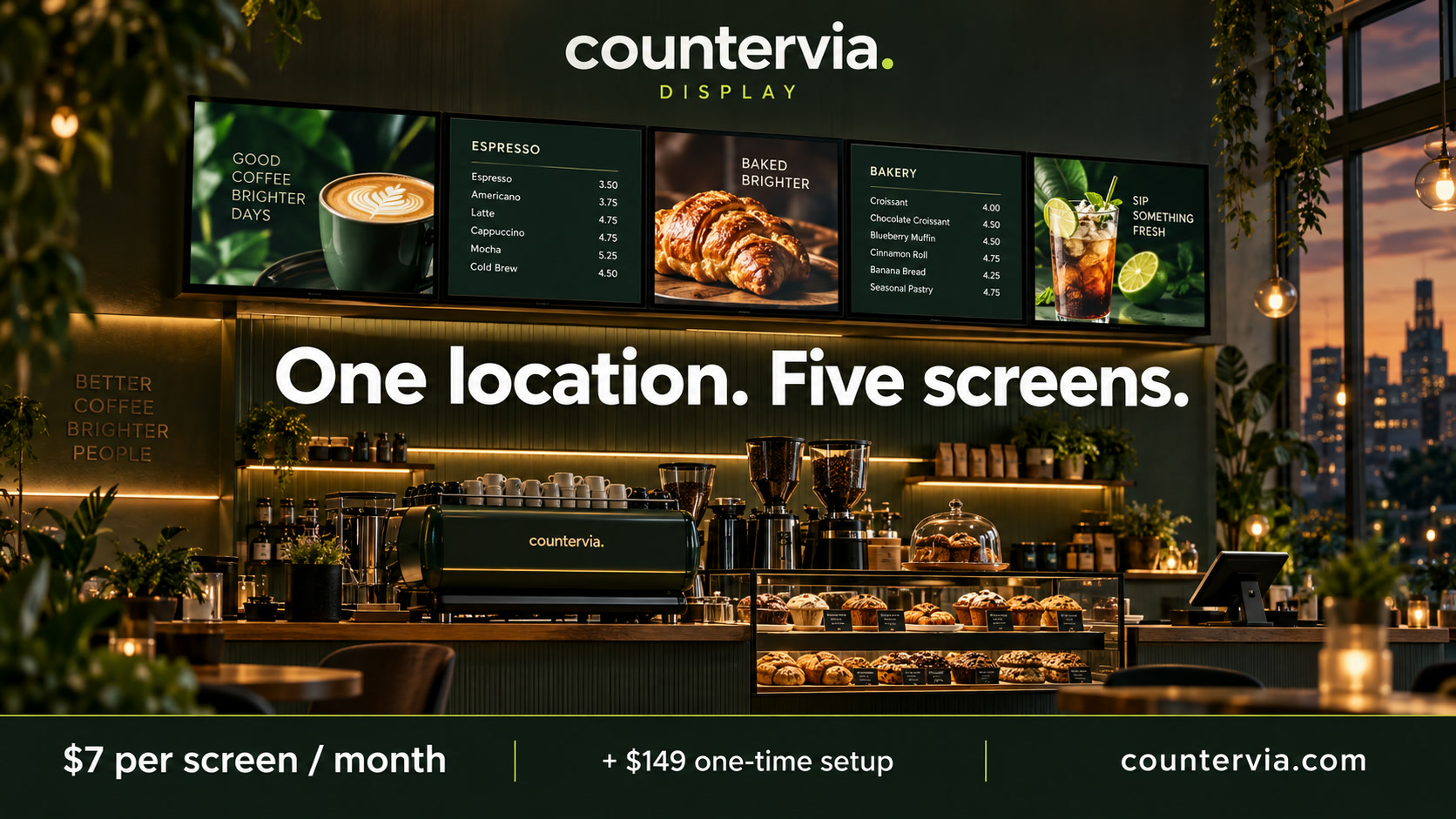
$7 per screen/month. 1 TV: $7; 3 TVs: $21; 5 TVs: $35. Plus $149 one-time setup and training per location. Hardware separate.
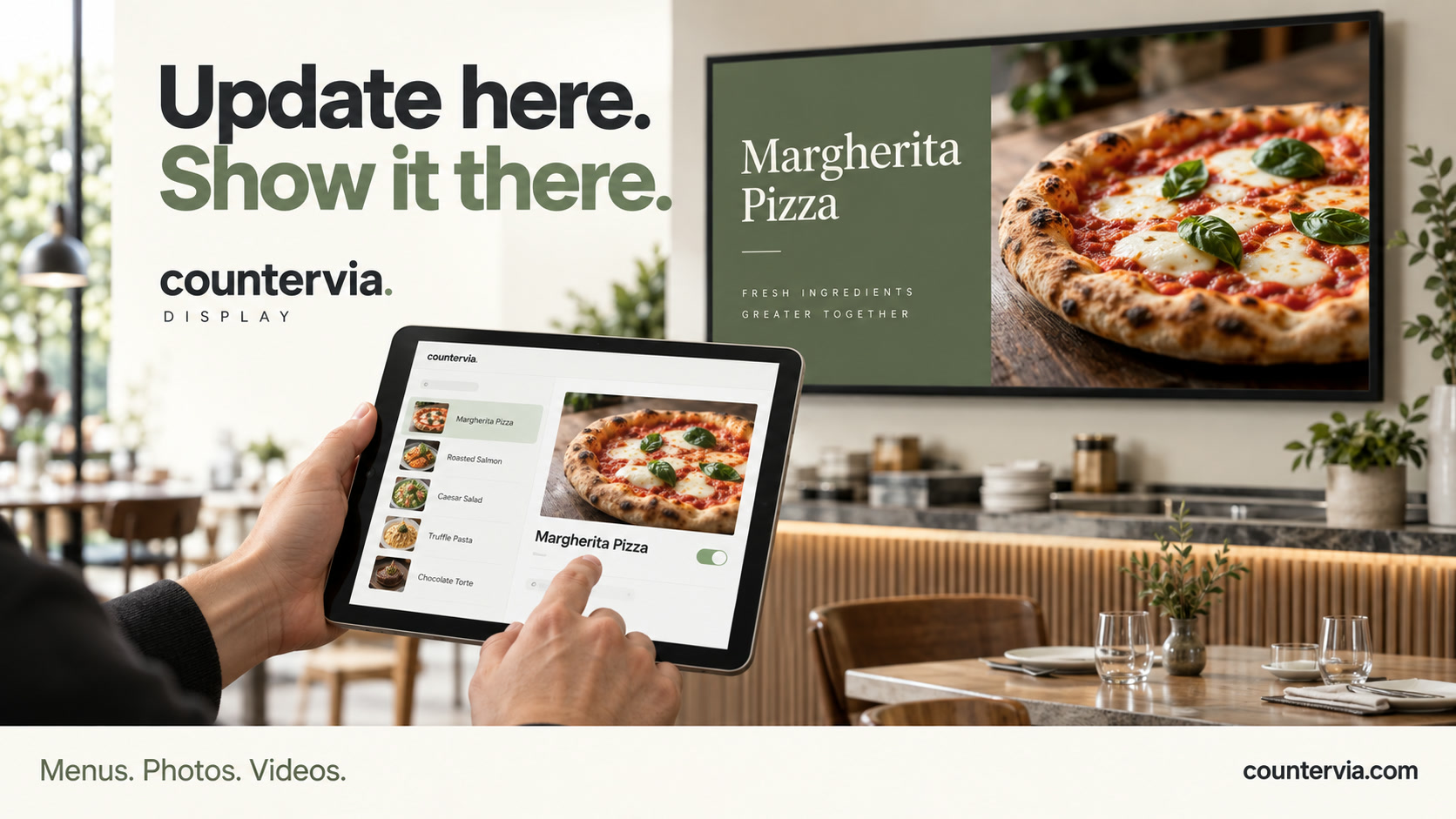
Publish menus, photos and promotional videos from one dashboard. Assign a different playlist to each TV.
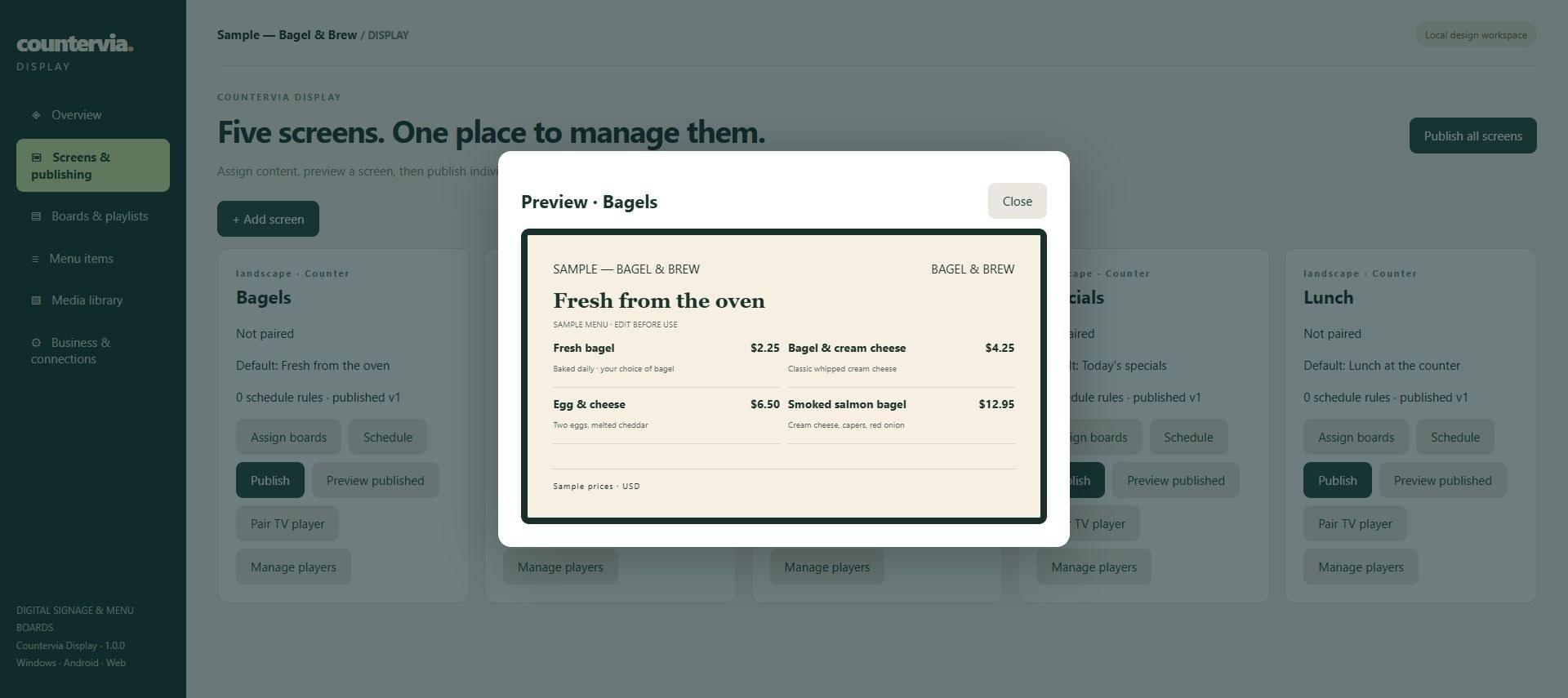
Actual app layout with labelled sample menu and prices.
Add items, descriptions, prices and photos. Choose a cream, dark or citrus layout. Mark an item unavailable, then publish the updated menu.
Upload JPG, PNG, WebP images or short MP4 videos. Use full-screen promotional boards and combine them with menus in a playlist. Maximum 9 MB per file and 24 MB per workspace, including published copies. Video is played muted; playback depends on the device codec.
Schedule breakfast, lunch or evening playlists in your store timezone. Assign different content to each screen. Draft changes stay off the TVs until you publish.
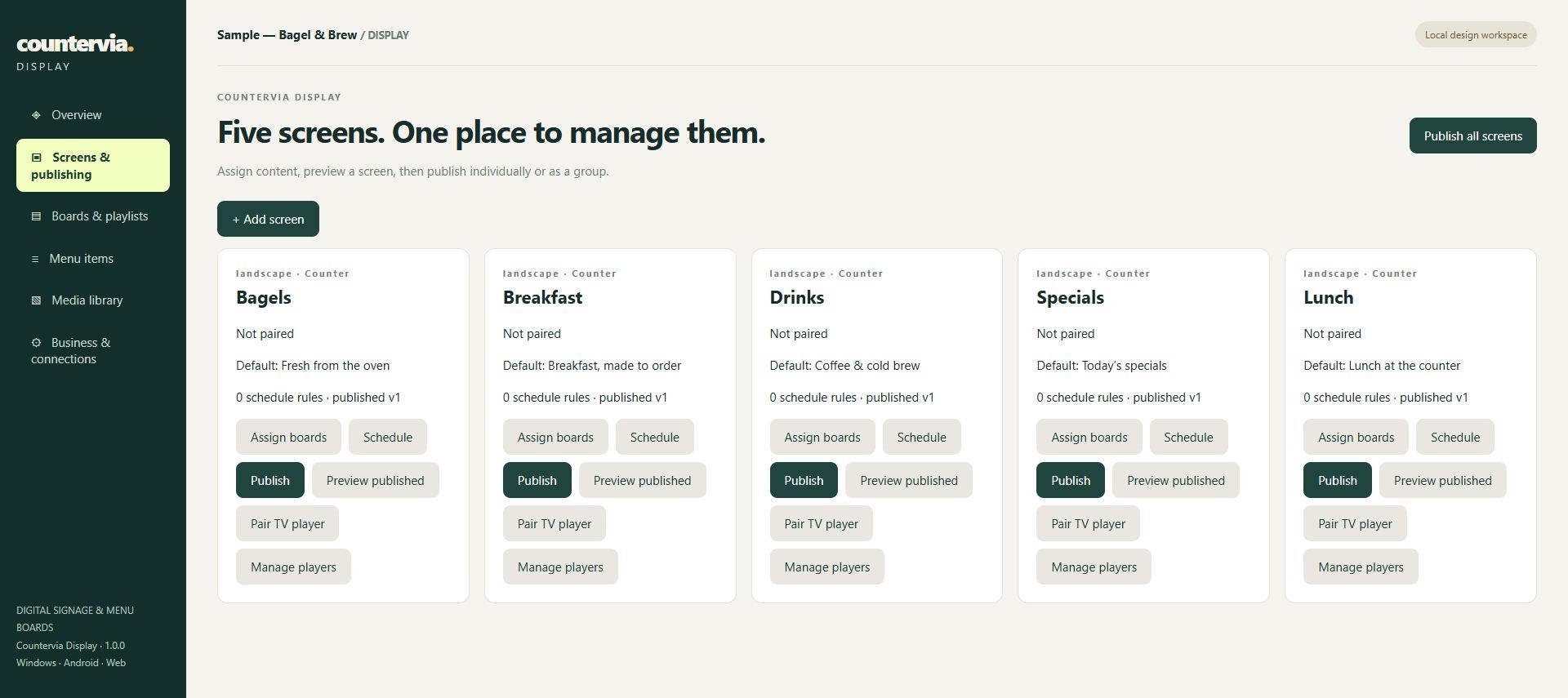
Name your screens Bagels, Breakfast, Drinks, Specials and Lunch. Pair each player with a single-use code. Check its last connection and downloaded version from the dashboard.
Use Windows or Android to manage content. The web dashboard is available at countervia.com/display/. Native players retain downloaded content during internet outages. New publishing, pairing and device monitoring require internet.
Windows 10/11 x64 and Android 8+ installers include the player. For Samsung Tizen, LG webOS and Roku TVs, connect a compatible external HDMI player. The Android APK cannot be installed directly on a Samsung Tizen TV.
Confirm playback, remote control, sleep timers and restart behavior on your actual hardware before business use. TV power-on automation, native Tizen/webOS/Roku apps, POS integrations, franchise permissions and synchronized video walls are not included in this release.
ONE SEPARATE SUBSCRIPTION
All plans include the same Display tools. No Countervia POS, Order, Warehouse, Stock or Catering purchase required.
$7 per screen/month. Menus, photos and videos.
$7/ location / month
Plus $149 one-time setup & training
$156 due at signup, then $7/month
Software only. No hardware is included. Setup covers software setup and training.
Checking checkout availability…
Explore Display →One location. Software only; TVs and HDMI players sold separately. Publishing requires internet. Samsung browser playback depends on model; a compatible HDMI player may be required.
$7 per screen/month. Menus, photos and videos.
$21/ location / month
Plus $149 one-time setup & training
$170 due at signup, then $21/month
Software only. No hardware is included. Setup covers software setup and training.
Checking checkout availability…
Explore Display →One location. Software only; TVs and HDMI players sold separately. Publishing requires internet. Samsung browser playback depends on model; a compatible HDMI player may be required.
$7 per screen/month. Menus, photos and videos.
$35/ location / month
Plus $149 one-time setup & training
$184 due at signup, then $35/month
Software only. No hardware is included. Setup covers software setup and training.
Checking checkout availability…
Explore Display →One location. Software only; TVs and HDMI players sold separately. Publishing requires internet. Samsung browser playback depends on model; a compatible HDMI player may be required.
USD, before applicable taxes. Setup covers initial menu setup, pairing assistance and training; hardware, mounting, travel and installation labour are quoted separately. After confirmed payment, download Windows, Android and your private account activation file. Need more than five TVs or multiple locations? Request a quote.
SCREEN MONITOR
View published playlists, online and offline players, last check-ins and delivery status from Windows, Android or the web dashboard. Filter your screens and open a larger content preview.
Included with every paid Countervia Display plan. After confirmed payment, download Windows and Android and your private account activation file. Import the activation in the web dashboard to connect your location.
Status checks run every 15 seconds. Online means the player recently contacted the service; it does not verify TV power or input. Previews show published content, not a camera feed. Updated players report their current board and playback state.
Choose a Display planSOFTWARE ONLY · ALL COUNTERVIA PLANS
Every Countervia purchase is a software subscription. Windows computers, Android tablets, TVs, monitors, media players, payment terminals, receipt printers, cash drawers, barcode scanners, network equipment and other hardware are not included in any plan or setup fee. Customers must supply compatible hardware separately. Setup and training fees cover software setup and training only.
Payment processing and processing fees are separate. Buying Countervia software does not include a payment processor or terminal. Check device compatibility before purchasing.