Scheduled playlists and downloaded offline playback
One location. Software only; TVs and HDMI players sold separately. Publishing requires internet. Samsung browser playback depends on model; a compatible HDMI player may be required.
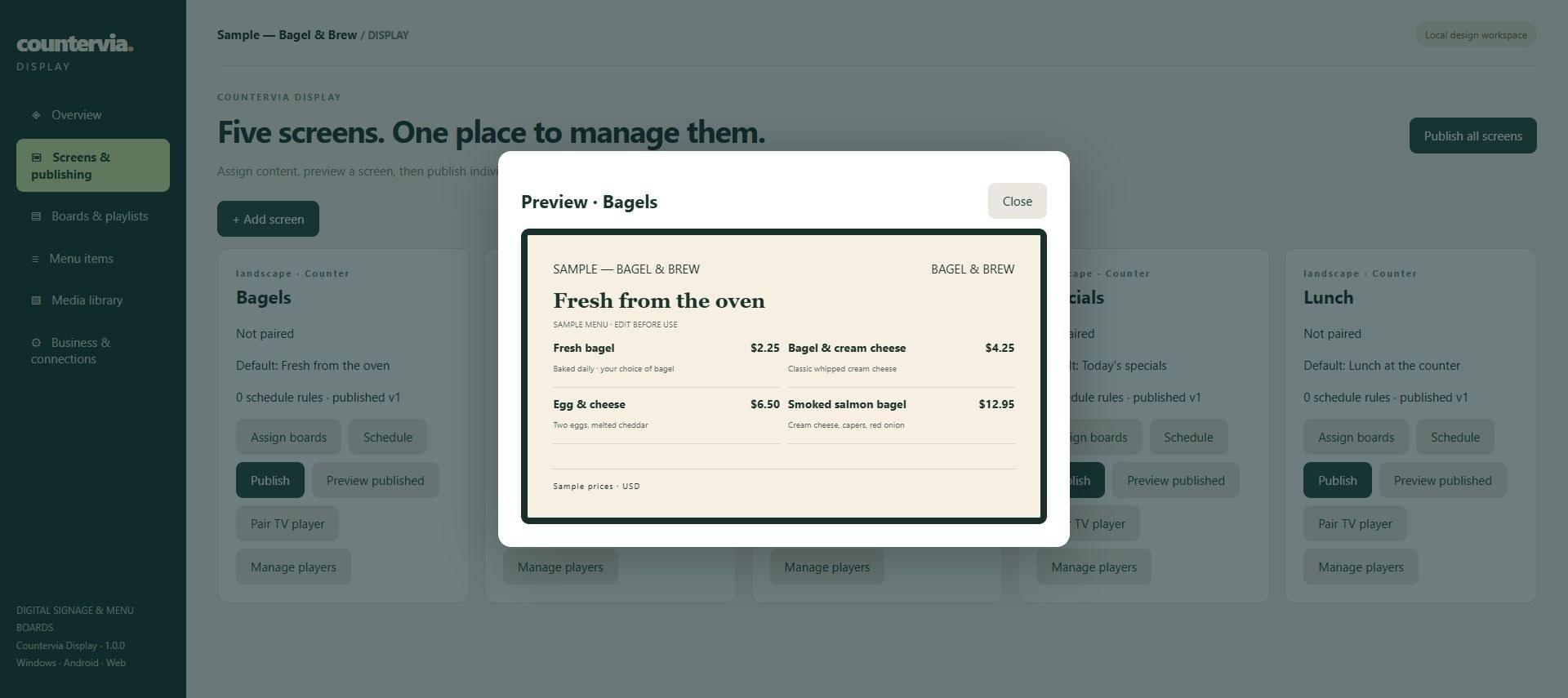
Countervia Display · 3 TVs
$7 per screen/month. Menus, photos and videos.
$21/ location / month
Plus $149 one-time setup & training
$170 due at signup, then $21/month
Software only. No hardware is included. Setup covers software setup and training.
Scheduled playlists and downloaded offline playback
One location. Software only; TVs and HDMI players sold separately. Publishing requires internet. Samsung browser playback depends on model; a compatible HDMI player may be required.
Countervia Display · 5 TVs
$7 per screen/month. Menus, photos and videos.
$35/ location / month
Plus $149 one-time setup & training
$184 due at signup, then $35/month
Software only. No hardware is included. Setup covers software setup and training.
Scheduled playlists and downloaded offline playback
One location. Software only; TVs and HDMI players sold separately. Publishing requires internet. Samsung browser playback depends on model; a compatible HDMI player may be required.
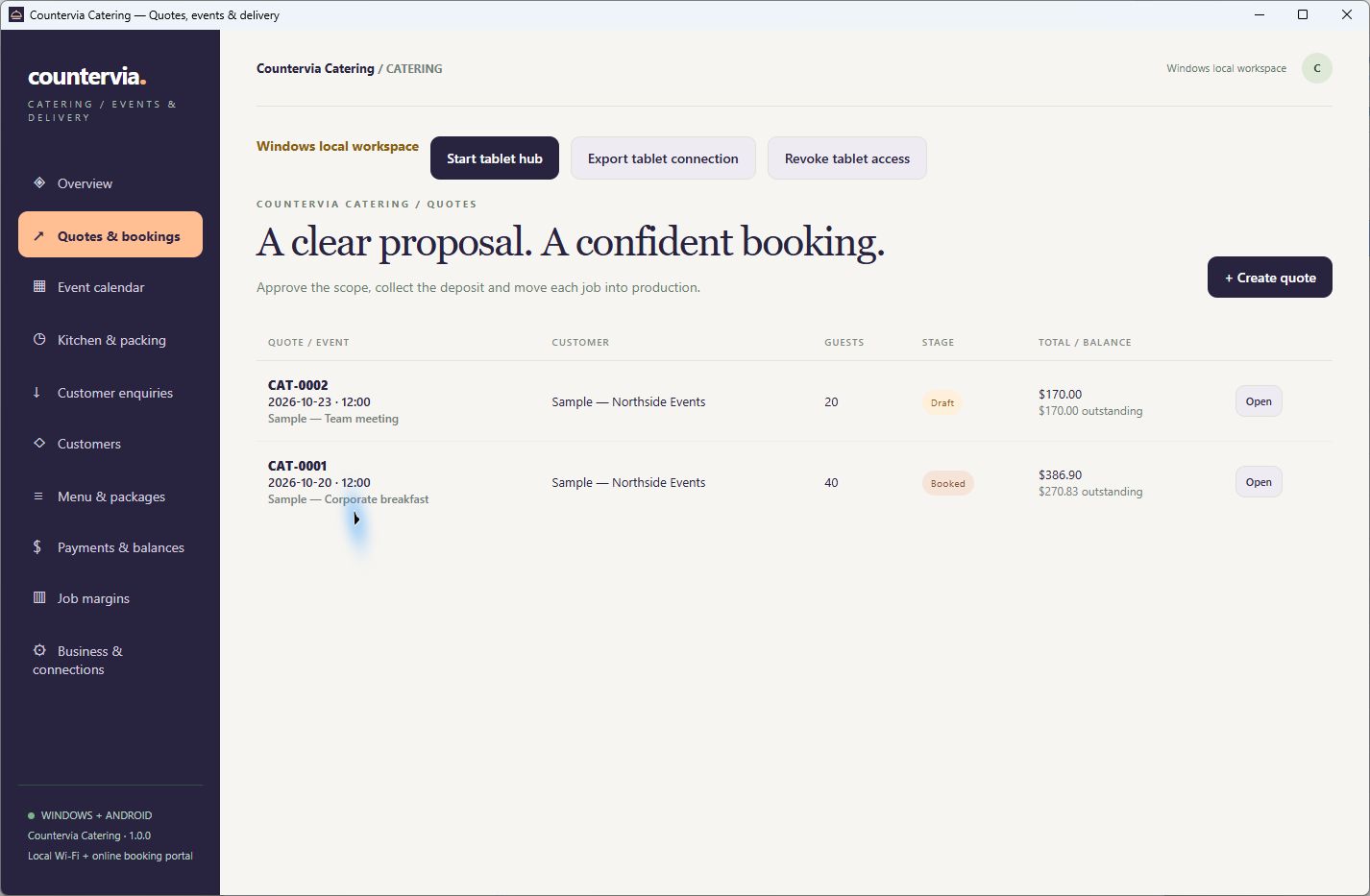
Countervia Catering
Turn enquiries into quotes, confirmed bookings and a clear kitchen plan.
$79/ location / month
Plus $199 one-time setup & training
$278 due at signup, then $79/month
Software only. No hardware is included. Setup covers software setup and training.
Sold separately. Customer deposit payments use your own Stripe links and are verified manually. Windows must remain running for tablet sync and portal updates.
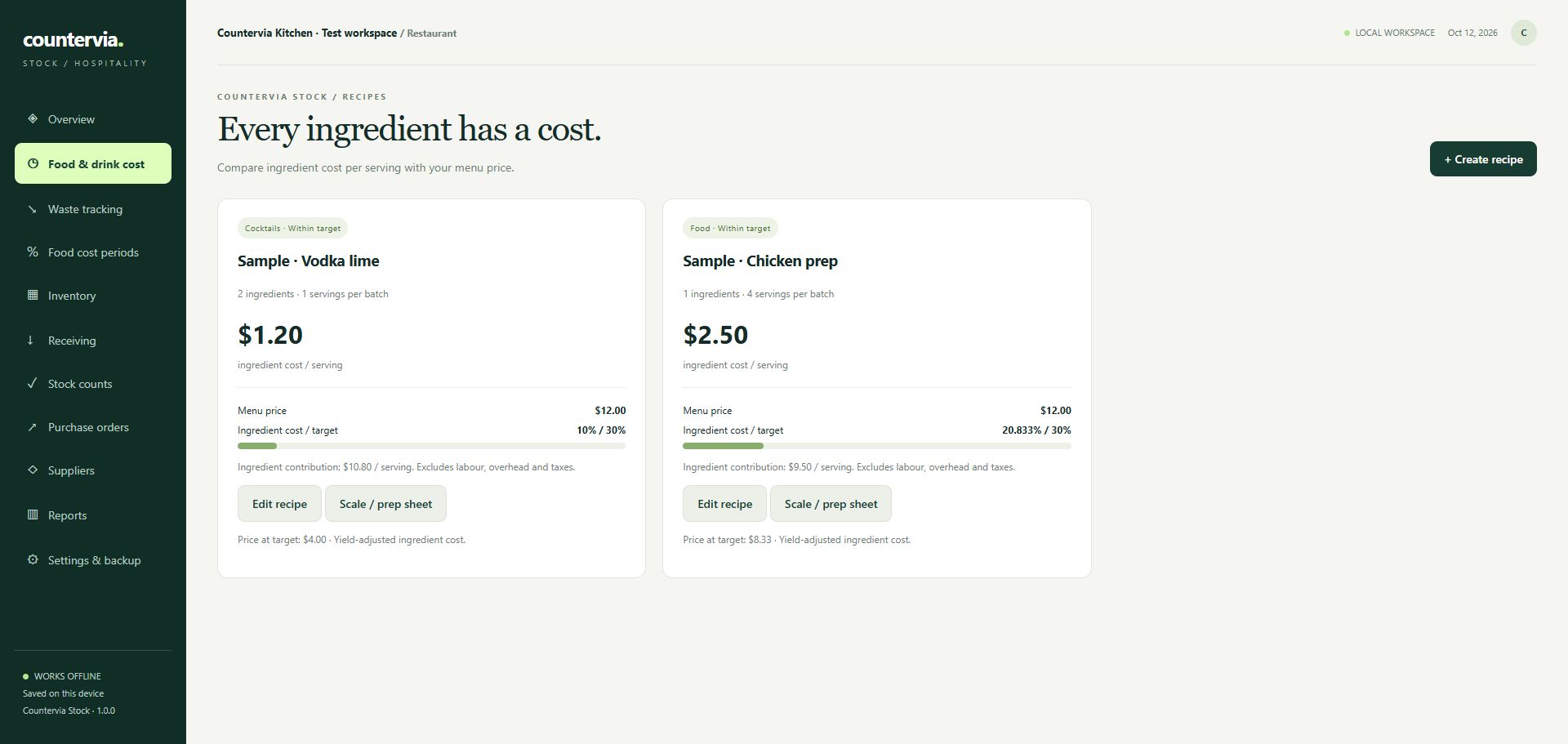
Countervia Stock
Food costs, recipe margins and waste tracking.
$99/ location / month
Plus $199 one-time setup & training
$298 due at signup, then $99/month
Software only. No hardware is included. Setup covers software setup and training.
Purchase POS first and reopen its confirmed download page in the same browser before adding Order. Need to recover an existing purchase? Contact counterviapos@gmail.com.
Prices in USD, before applicable taxes. Setup is charged once. Core products are sold separately. Order requires Countervia POS and is billed as an optional add-on. POS and Order support cash payments; card processing is not connected.
INCLUDED WITH EVERY PLAN
Software, setup and a clear next step.
Windows installer and Android download after confirmed payment
Setup and training for your location
Software updates during your subscription
A local business database and backup tools
From purchase to your first working day.
01
Choose your product
Select Display, Catering, Warehouse, POS, Order or Stock for the workflow you need.
02
Pay and download
Complete secure Stripe checkout and return for your Windows and Android downloads.
03
Connect your location
Install your product and arrange setup and training. Stock is standalone on each device; other products connect tablets to their Windows hub.
Questions before you buy.
Do I need to purchase more than one product?
No. Stock works independently on Windows or Android. POS works on its own. Restaurant tables are included with POS; server ordering and kitchen monitoring require the optional Order + KDS add-on. Warehouse and the other core products are separate.
Can I run the Android app without a Windows computer?
Stock runs independently on Android with its own offline records. Warehouse and POS Android apps connect to their running Windows hub; Order connects to the same POS business. Keep that Windows computer on and connected to the same reachable private network as your tablets. Stock is the exception: it stores a standalone workspace on Android.
Are hardware and card processing included?
No. Hardware, payment-processing fees, custom integrations, data migration, additional tablets and additional locations are quoted separately. Card payment processing is not currently connected in POS or Order.
How do I download after payment?
Stripe returns you to Countervia after confirmation. Keep the same browser open to download the Windows installer and Android app for your purchased product.
What does setup and training cover?
Contact counterviapos@gmail.com after purchase to arrange your product setup and training. Existing data migration, hardware and custom integrations are quoted separately.
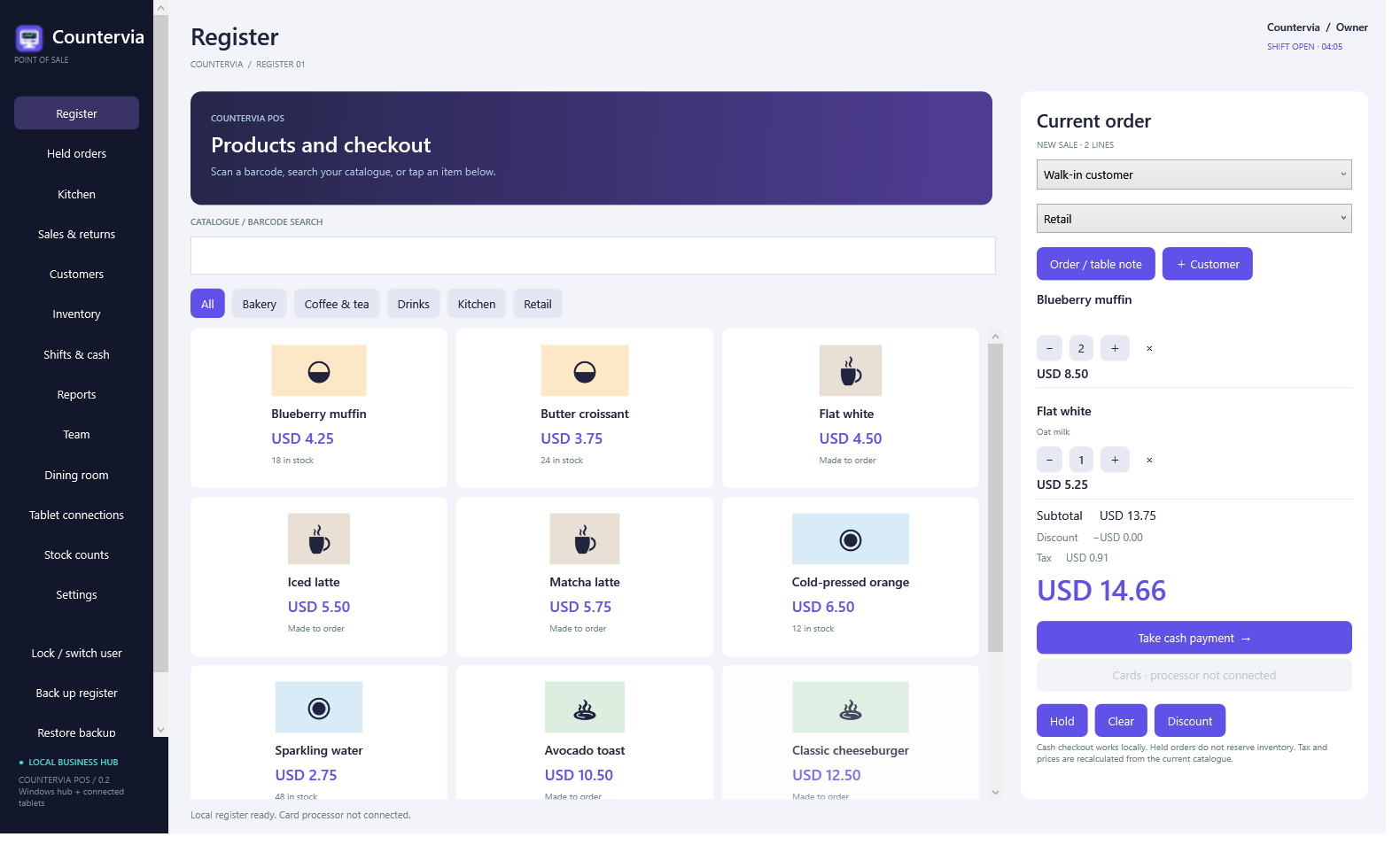
Cash checkout, receipts, sales history, stock and shifts. Restaurant mode includes dining-room tables. Kitchen monitoring requires the optional Order + KDS add-on. POS works without the Order add-on.
$79/location/month + $299 setup.
Order · Equip your servers and kitchen
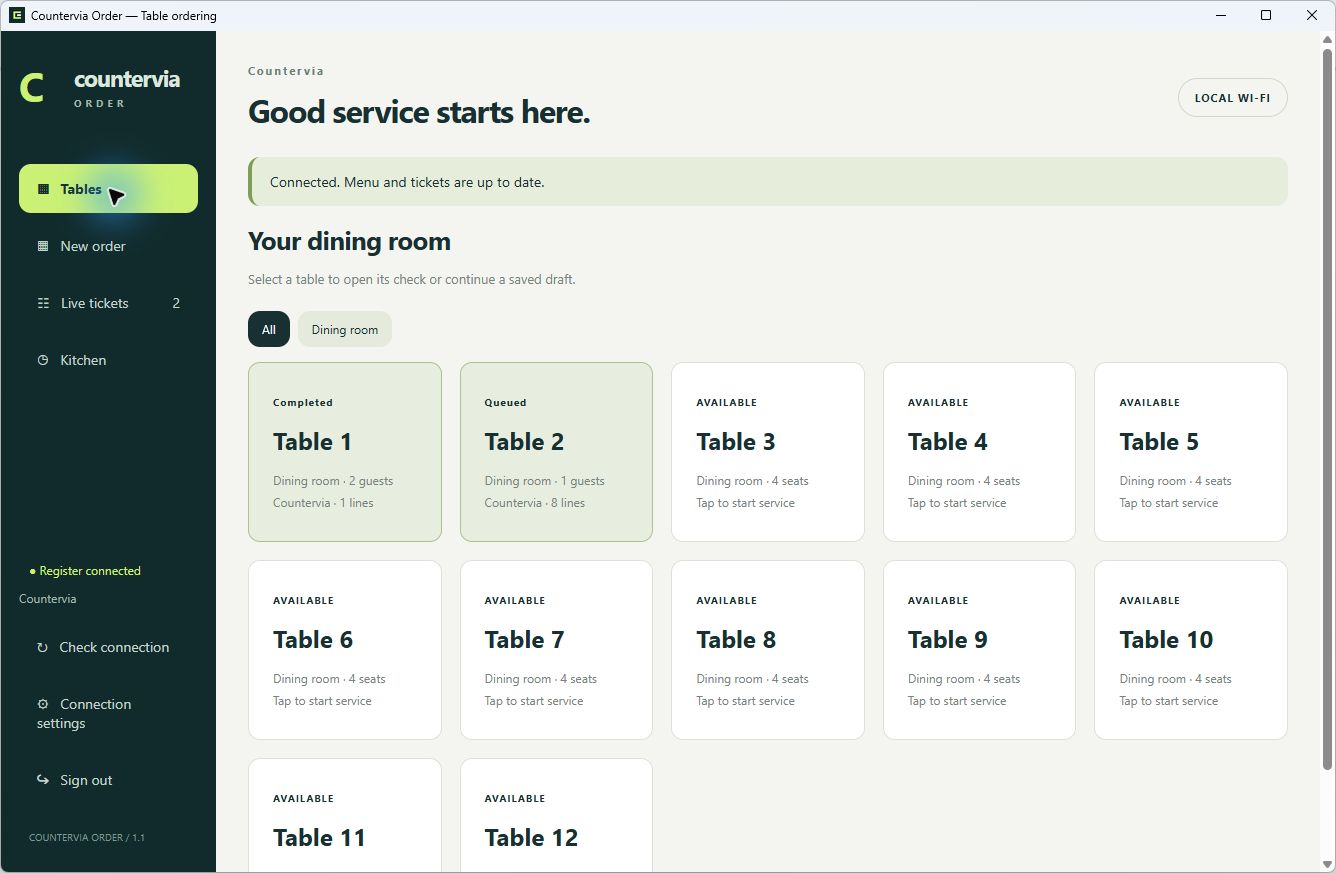
An optional, focused app for table and seat ordering, item instructions, extra rounds and live kitchen tickets. Kitchen staff can update preparation status from a connected display.
+$19/location/month. No extra setup fee. Up to three server and kitchen devices combined. Active POS required.
Same menu. Same open checks.
Order connects to your running Windows POS over your private network. Servers send orders; the kitchen follows the tickets; the register takes payment and closes the table.
POS + Order: $98/month + $299 setup. $397 across both purchases at signup, before applicable taxes. Hardware separate.
Order is a separate staff app, not a paid tab inside the POS. Download it after adding it to your POS subscription. You do not create a second business or buy another Windows hub.
COUNTERVIA POS 0.6.0
A workspace for your business.
Choose your business type during Windows setup, or change it in Settings → Edit business settings. Connected Android registers use the same business type.
Restaurant mode includes dining-room tables and open checks in the POS plan. Add Order + KDS for dedicated server ordering and live kitchen monitoring.
Wholesale or service
Use the core register, customer, receipt, sales and stock tools without restaurant screens. Specialized wholesale price lists, invoicing, appointments, dental records and legal billing are not included.
POS: $79 per location/month + $299 setup
Order + KDS is optional: an additional $19 per location/month, with no additional setup fee. It requires an active POS subscription and restaurant mode and covers up to three server and kitchen devices combined. POS + Order + KDS totals $98 per month, plus the one-time $299 POS setup fee. USD, before applicable taxes.
Staff devices connect to the running Windows POS on the same private network. Find nearby POS, select the business and sign in with an employee PIN. The owner approves each new device once. No pairing code is needed in current versions. Paid features are enforced by the hub.
SOFTWARE ONLY · ALL COUNTERVIA PLANS
Hardware is not included.
Every Countervia purchase is a software subscription. Windows computers, Android tablets, TVs, monitors, media players, payment terminals, receipt printers, cash drawers, barcode scanners, network equipment and other hardware are not included in any plan or setup fee. Customers must supply compatible hardware separately. Setup and training fees cover software setup and training only.
Payment processing and processing fees are separate. Buying Countervia software does not include a payment processor or terminal. Check device compatibility before purchasing.
PURCHASE AND SETUP
Your software. Your business.
After confirmed payment, download your Windows or Android installer and private subscription activation file. Activate the main business device in Subscription. Connected tablets use that business subscription.
Warehouse, Stock and Catering are separate subscriptions. On a tablet, choose Find nearby business on the same private Wi-Fi and approve it once on Windows. Keep the Windows hub running for live sync. Stock and Catering can also run as separate activated Android workspaces.
Internet is required for initial activation and regular subscription checks. Verified access continues for up to seven days during an internet outage. An inactive subscription stops operational access; your saved business records are retained.